Checking Your Commercial Bulk Gas Tank Level Online
If your bulk tank has a telemetry sensor fitted, you can check its fill level and recent history any time from your online account.
Where to find it
Log in to your account online and go to My Account.
Click the Tank Telemetry tile.
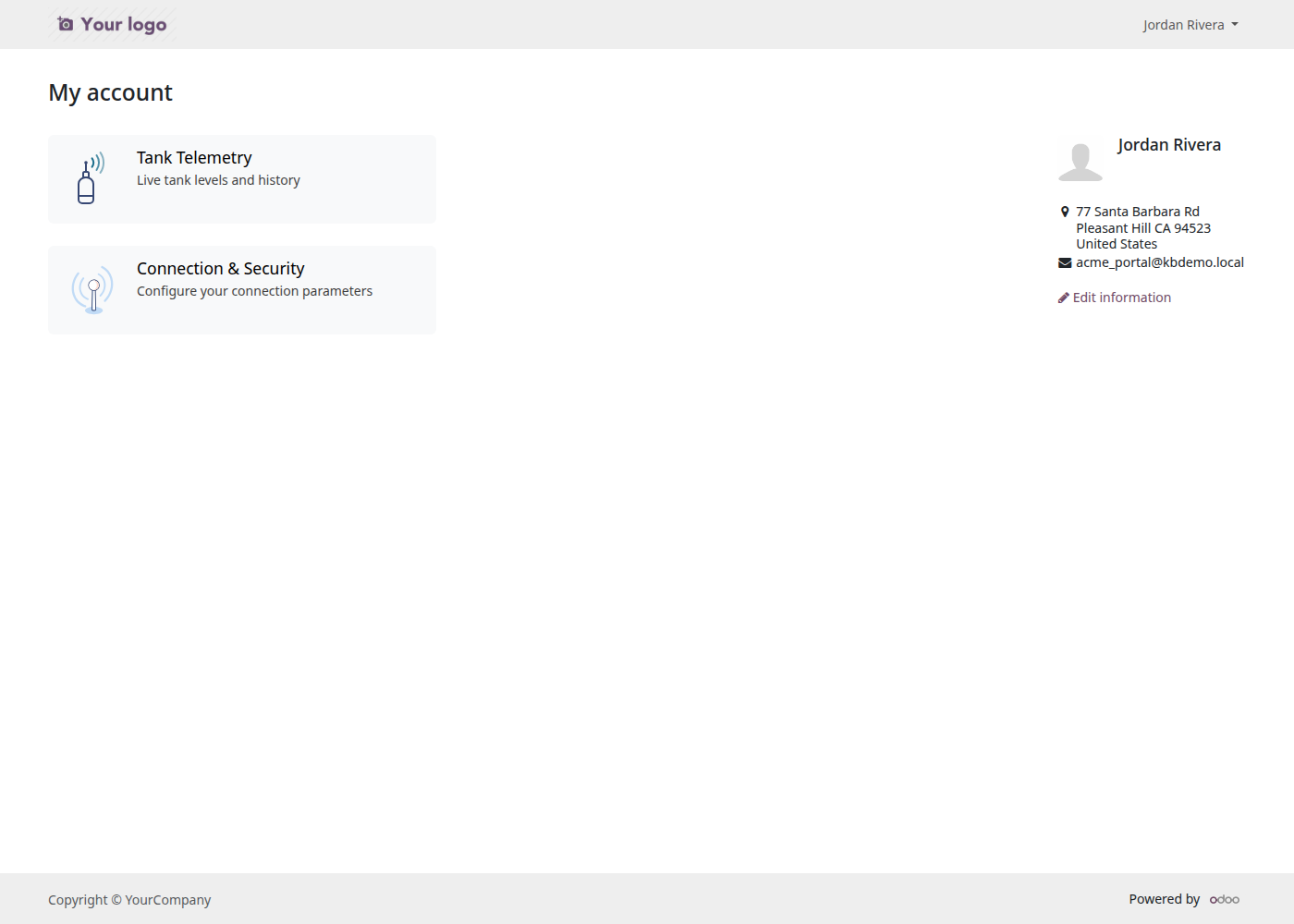
If you don't see this tile, your tank either doesn't have a telemetry sensor fitted yet, or your account isn't linked to one. Get in touch with us if you'd like telemetry fitted.
Reading your tank list
The Tank Telemetry page shows a card for each of your tanks, with its current fill level as a simple bar:
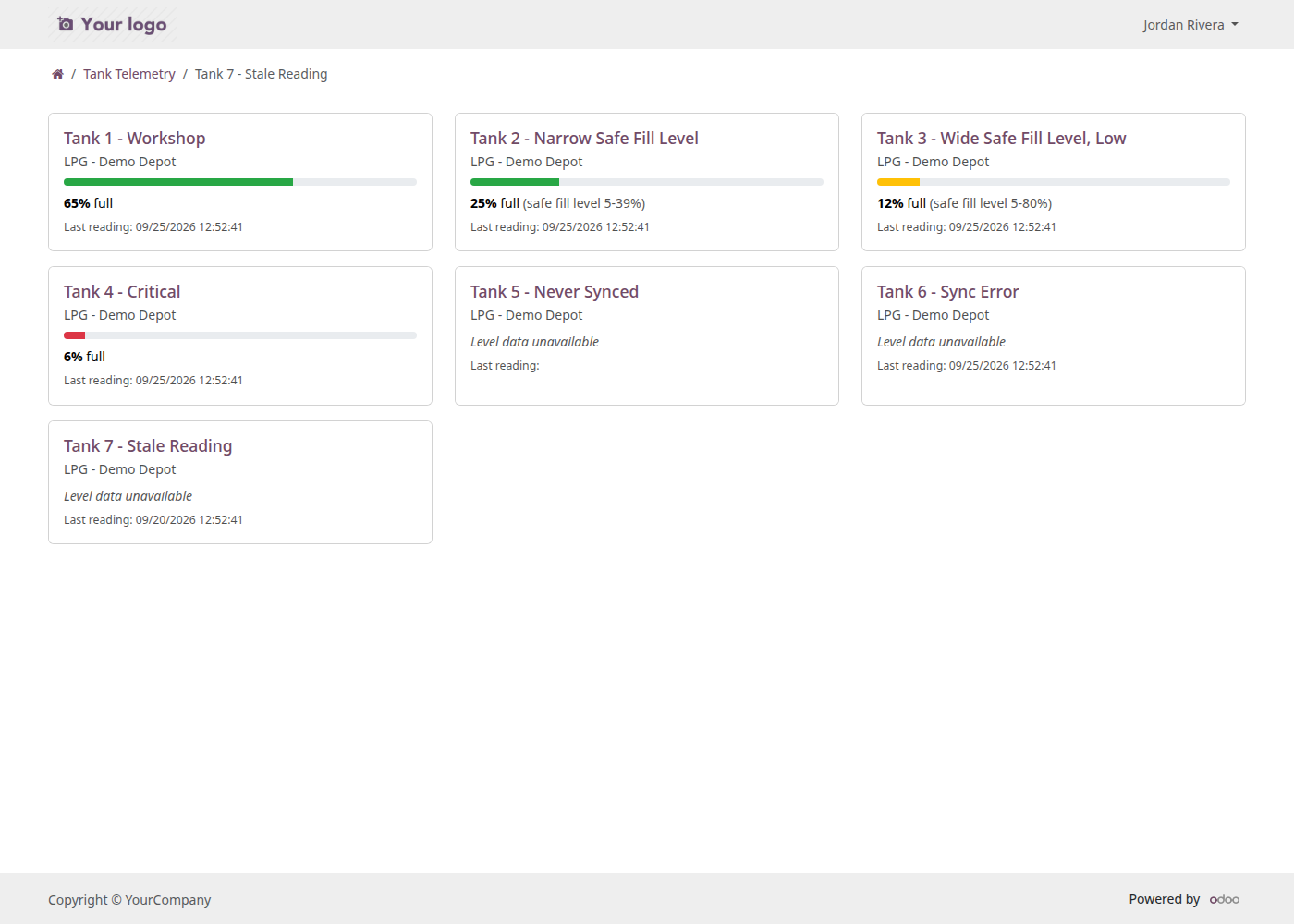
Green - your tank is at a healthy level.
Amber- getting low; a delivery will be scheduled before it runs out.
Red - low. A delivery is likely scheduled.
"Level data unavailable" = we haven't received a recent reading from this tank's sensor yet. This isn't something you need to act on; it will update automatically as soon as a new reading comes in. If it stays this way for more than a day or two, feel free to contact us.
Each card also shows when the reading was last updated.
Viewing a tank's history
Click on any tank to see its level over the past week and a table of its recent readings:
This is useful for spotting your usage pattern. A brand-new tank, or one without a delivery history yet, will show an empty chart until it has a few readings.
A few things this page doesn't do
It won't let you request a refill directly as remotely monitored tanks are managed by us.
It doesn't send you alerts so check the page later if you want to keep an eye on a tank you're watching.
If anything on this page looks wrong, or a tank you expect to see is missing, contact us and we'll take a look.