Logging In

⛳
How to Login
First click the sign in button via the menu at the top of the page.
On mobile devices the sign in link appears after selecting the menu box with three horizontal lines.
Mobile devices: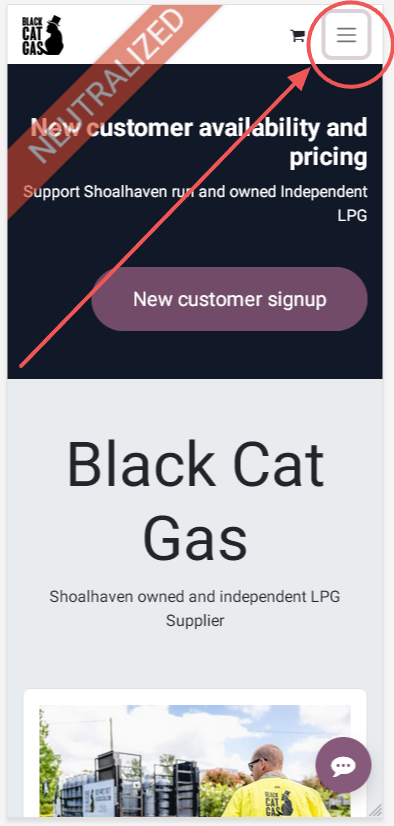
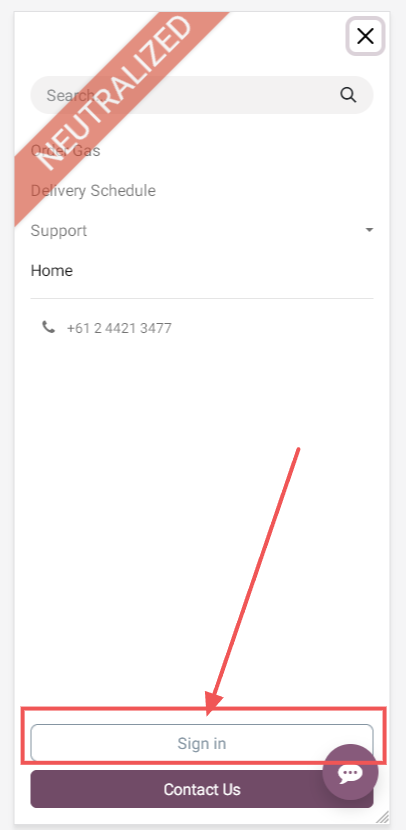
Larger devices: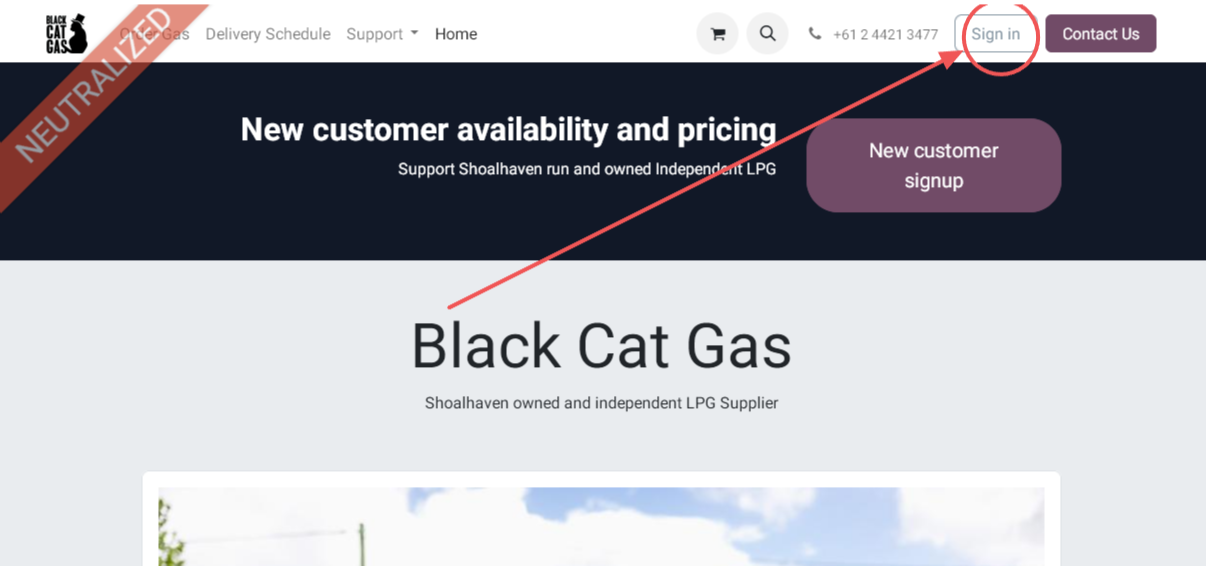
Enter your username (normally the email address associated with the account) and password, then click "Log in".
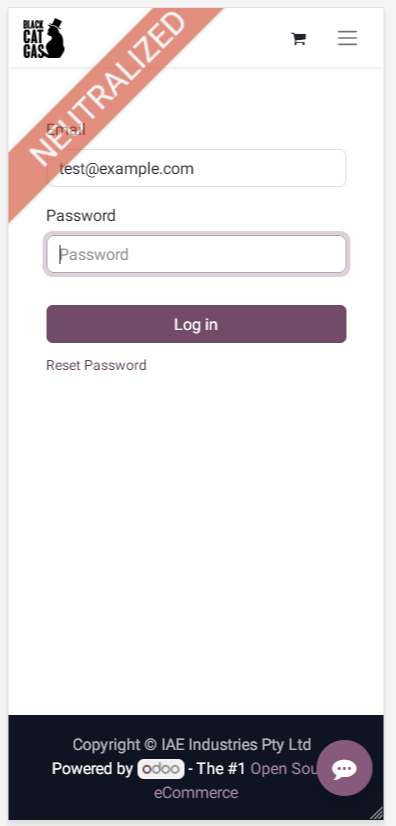
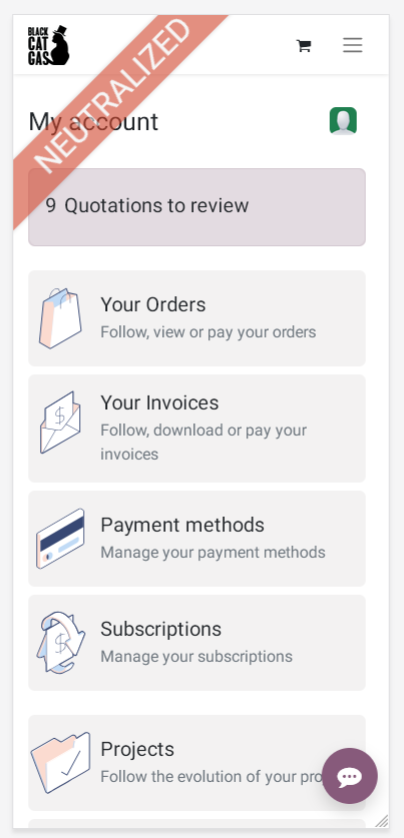
Upon successfully entering your username you will be presented with the customer portal.